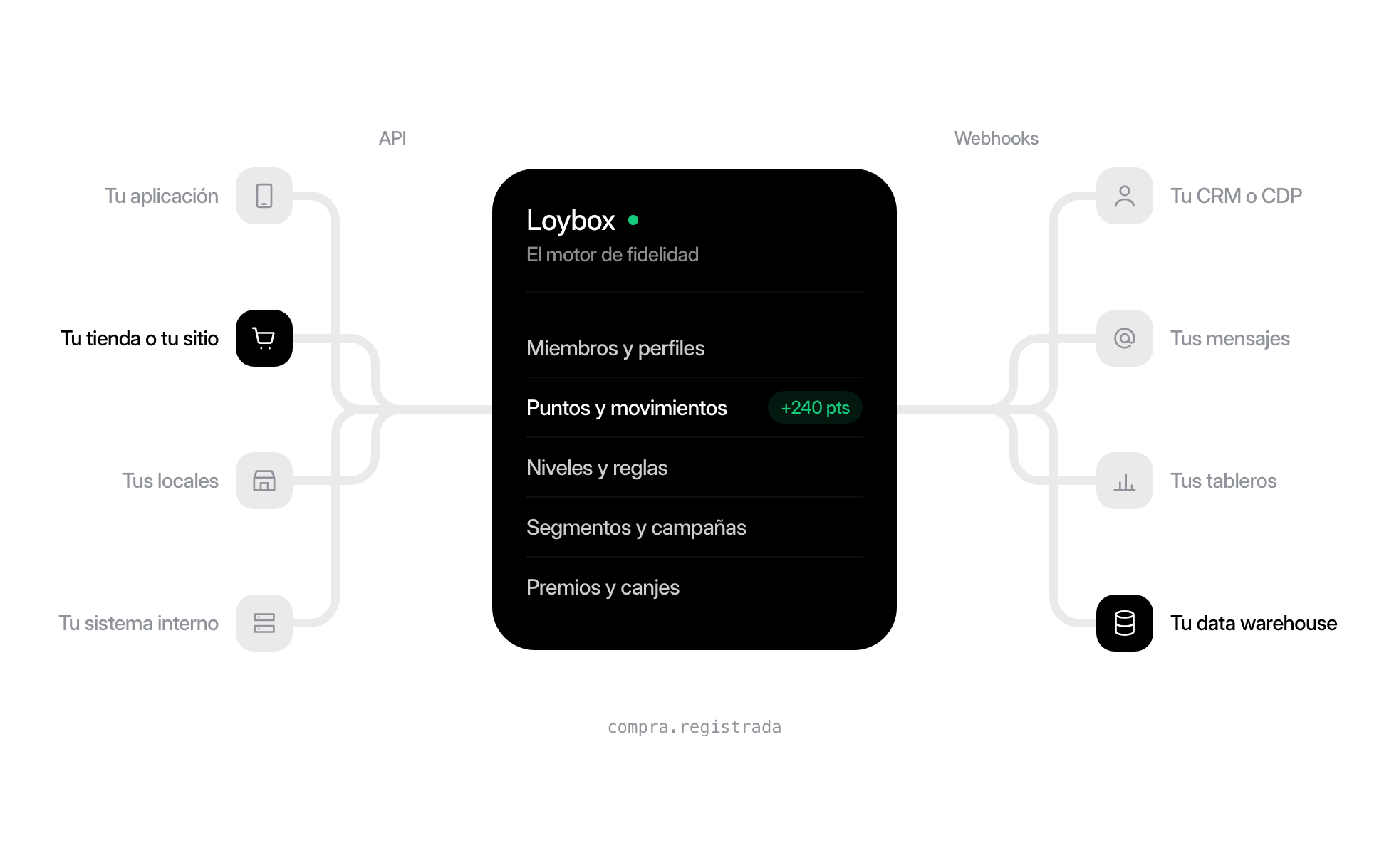
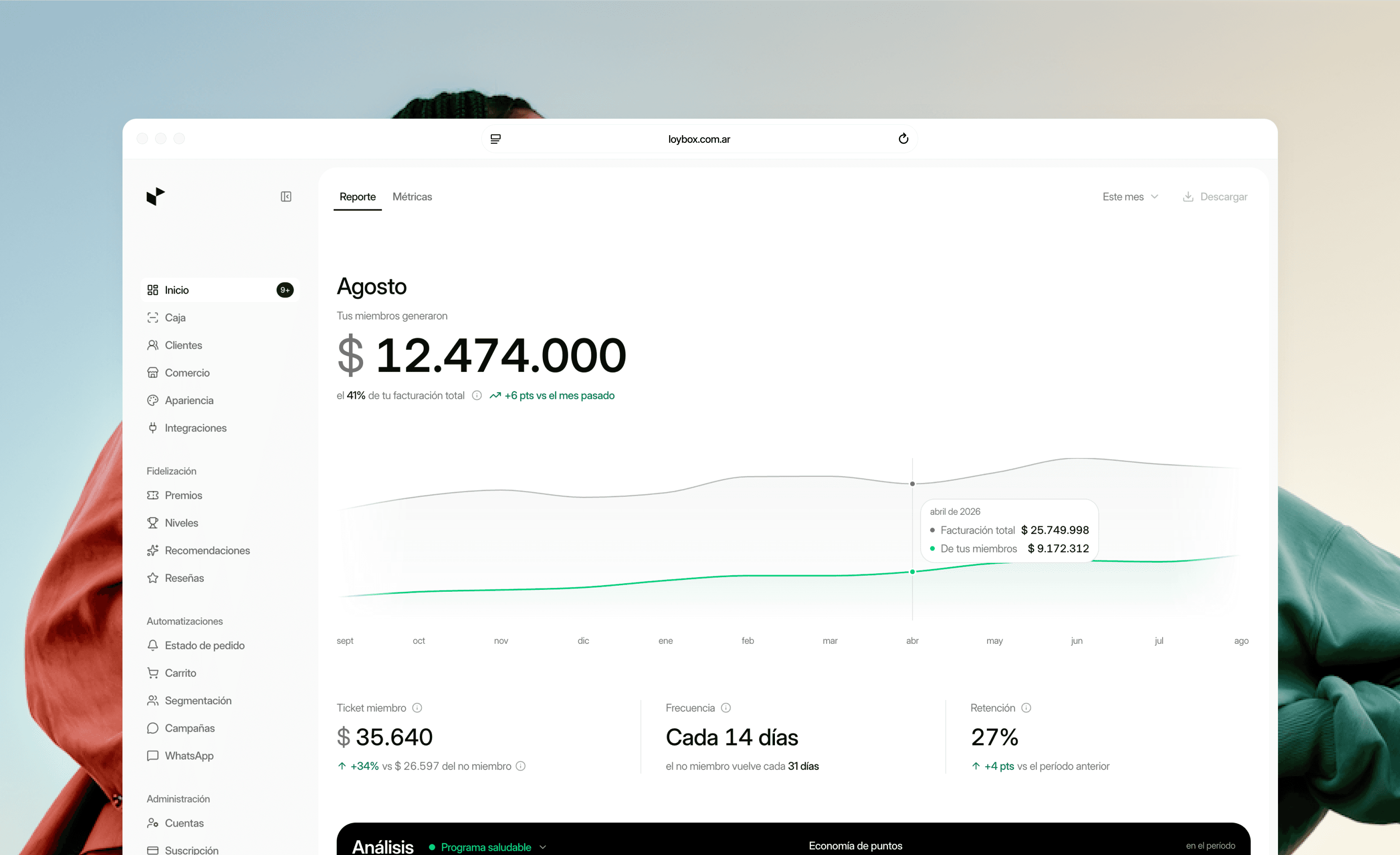
Club plans now follow your store's order volume
- Improvement
Pricing for the ecommerce club was rebuilt around how many orders a store handles: Loybox Starter is free up to 50 orders per month, Loybox Lite is now US$39 and Loybox Plus, US$99. This is not a promotion or a limited-time list: it is the new price, and the reason is that a loyalty club pays off when it starts early, not once the store has already grown.
A loyalty program is worth more during one short, specific window: the thirty days after each new buyer's first order. That is when it is decided whether the person comes back, or whether the money spent acquiring them bought a single sale. Every month a store runs without a club is a whole cohort of buyers who came in, bought once and stayed out of reach of anything done later.
With the previous list (US$69, US$149 and US$499 per month), the conversation with a store that was just starting to get volume almost always ended the same way: we will set it up once we grow a bit more. With those numbers that is a reasonable call, and it is the opposite of what serves the store. Our price was pushing merchants to postpone the one thing that should not be postponed.
So the new tiers are ordered by orders: the plan follows what the store sells today and changes when the volume changes, instead of asking the merchant to guess how much they will sell. A store with forty orders a month runs its club without paying anything, and once it passes fifty it will be paying US$39 against revenue that already justifies it.
The new tiers
- Loybox Starter: free, up to 50 orders per month. Points, rewards and the club inside your store.
- Loybox Lite: US$39 per month, up to 500 orders, with a 7-day trial.
- Loybox Plus: US$99 per month, up to 1,000 orders, with a 7-day trial.
- Amounts are in US dollars, which is what a store in any country other than Argentina pays: Argentine stores are billed in pesos, at their own price rather than a conversion. The currency follows the country of the store.
- Prices now come from the catalog instead of being written into the page: what the table shows is what checkout charges, in the currency that applies to you.
The branded app kept its price, on purpose
The app carrying your own brand still starts at US$299 per month. It is a different product solving a different problem: it makes sense when a brand has physical stores on top of the online one, because that is where a member is identified by their ID at the register and both purchases land in the same account. That price does not track order volume but how each brand's plan is put together, so lowering it alongside the rest would have mixed up two things that are not alike.